
How to save your game
In free roam, pause the game and choose Game → Save Game. Select a slot and let the save finish. PS5 uses Options to pause; Xbox uses Menu.
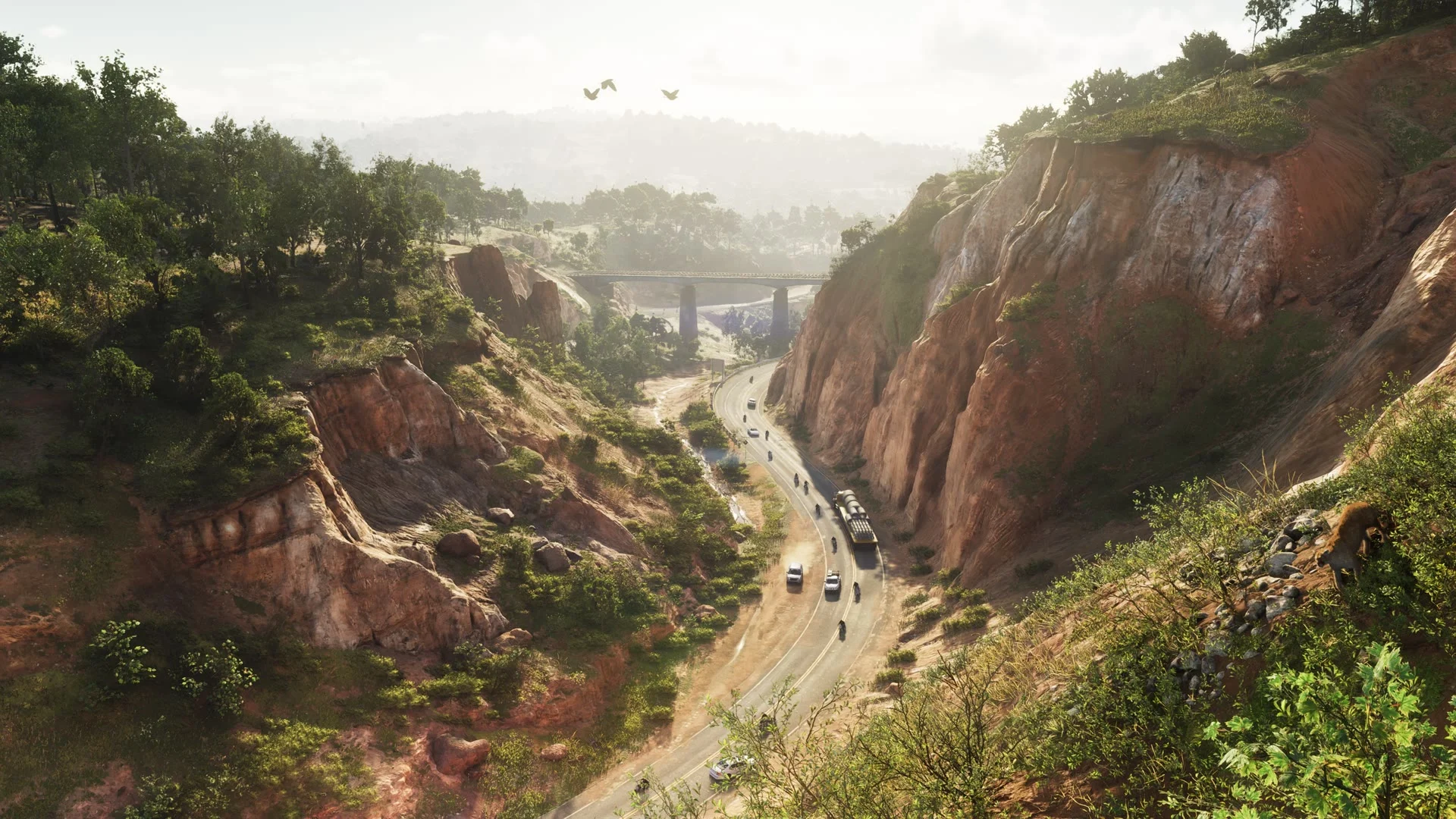
Preserve a point you can return to
Choose an empty slot before trying a long detour or starting a new stretch of the story. There are 15 manual slots. Keep one for your regular session and a second for a moment you may want to revisit.
Why is Save Game grayed out?
Manual saves can be unavailable during a mission. Finish the active sequence and try again in free roam. On PS5, the touch pad normally opens the map; press Options to reach the Game menu instead.
Load an older save safely
Make a fresh manual save of your current progress first. Return to the Game menu, select the load option and check the slot you intend to open. A separate current save gives you a way back.
Sources
Read next
Which consoles can play GTA VI? · How much storage does GTA VI need? · Subtitles, camera and controller settings